扬州大学大学生重点科创项目
轴流泵叶轮水力设计与软件开发
时间:2019年02月 - 2020年10月
参与校大学生重点科创项目《轴流泵叶轮水力设计与软件开发》,担任软件开发工作的主要负责人。 建立叶片设计数学模型,通过程序设计、数值模拟、数值优化等方法,对影响轴流泵叶片设计的参数进行研究, 为轴流泵高效设计提供一定的理论基础及设计依据。
以第一作者获得软件著作两项《基于儒可夫斯基翼型的轴流泵三维建模软件》、《基于二维叶栅理论的图形交互式轴流泵叶片软件》; 在核心期刊《中国农村水利水电》发表论文《翼型最大厚度与最大拱度的相对位置对轴流泵水力性能的影响》; 申请发明专利《基于儒可夫斯基翼型的新型轴流泵叶轮自动化设计方法》。


You can also put regular text between your rows of images. Say you wanted to write a little bit about your project before you posted the rest of the images. You describe how you toiled, sweated, bled for your project, and then… you reveal its glory in the next row of images.


The code is simple. Just wrap your images with <div class="col-sm"> and place them inside <div class="row"> (read more about the Bootstrap Grid system). To make images responsive, add img-fluid class to each; for rounded corners and shadows use rounded and z-depth-1 classes. Here’s the code for the last row of images above:
<div class="row justify-content-sm-center">
    <div class="col-sm-8 mt-3 mt-md-0">
        {% include figure.html path="assets/img/6.jpg" title="example image" class="img-fluid rounded z-depth-1" %}
    </div>
    <div class="col-sm-4 mt-3 mt-md-0">
        {% include figure.html path="assets/img/11.jpg" title="example image" class="img-fluid rounded z-depth-1" %}
    </div>
</div>
References
2020

2019
-
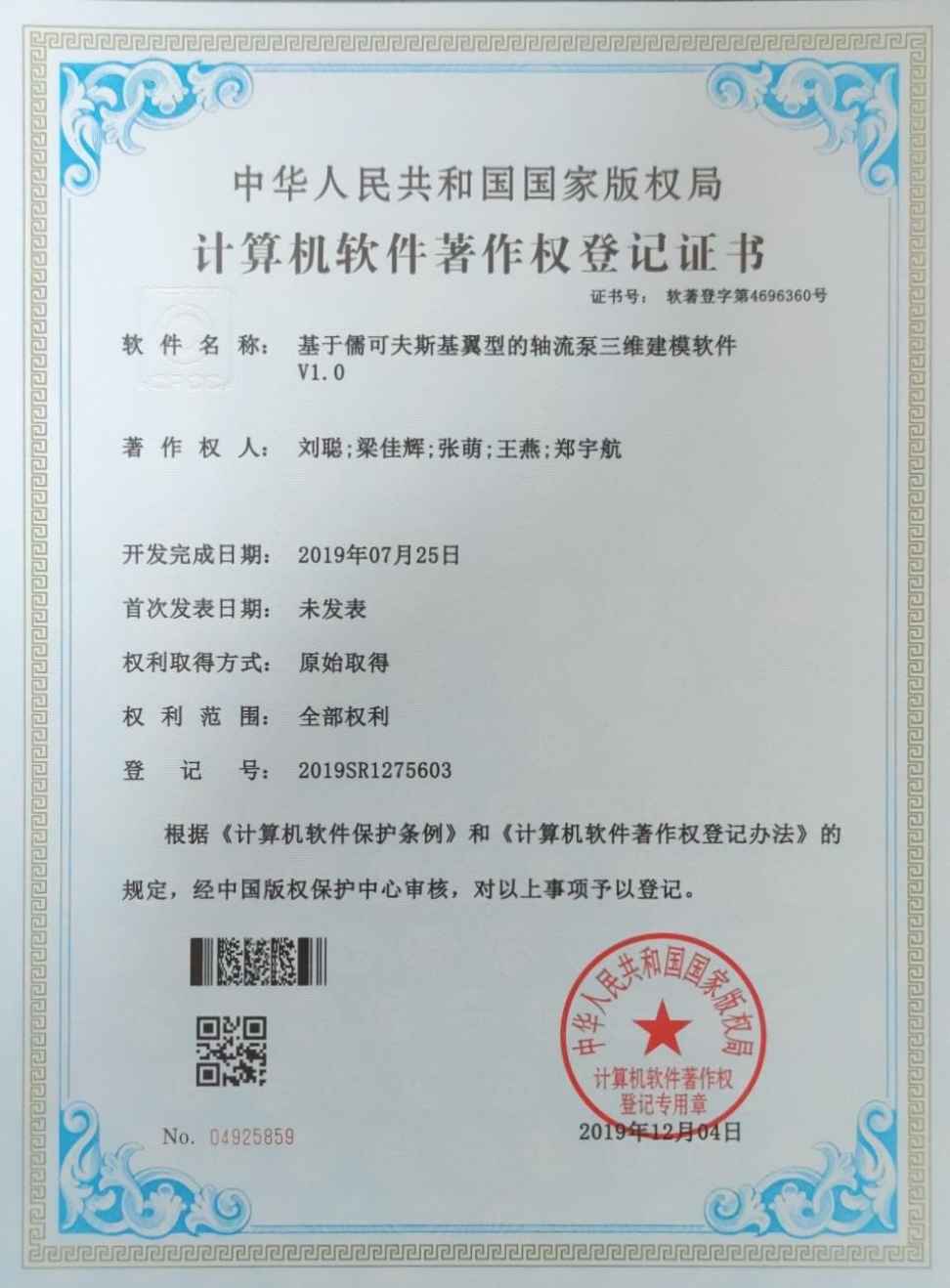 基于儒可夫斯基翼型的轴流泵三维建模软件V1.0中国人民共和国国家版权局, 2019
 -
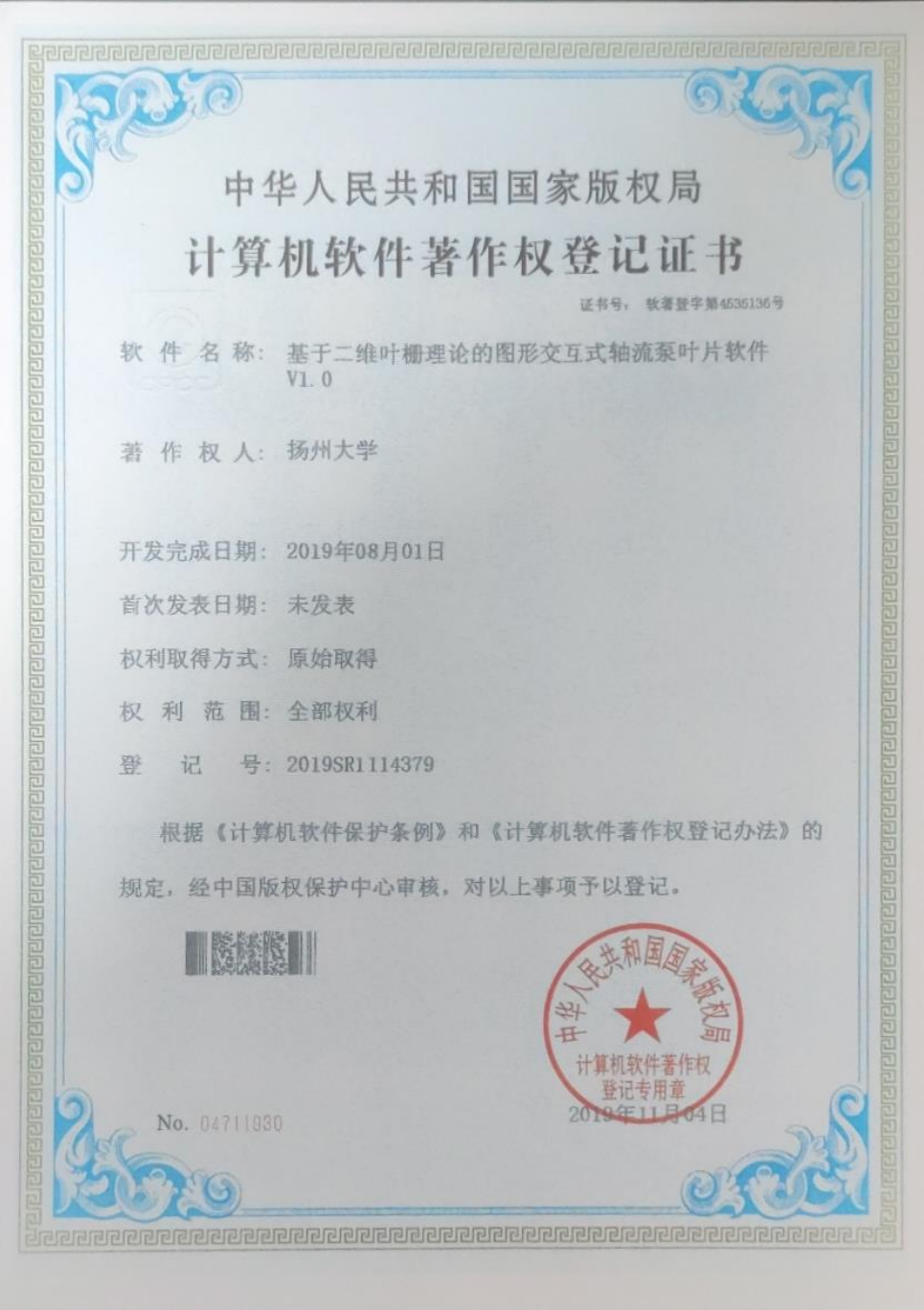 基于二维叶栅理论的图形交互式轴流泵叶片软件V1.0中国人民共和国国家版权局, 2019

